Clipping Paths VS Alpha Channels Mask
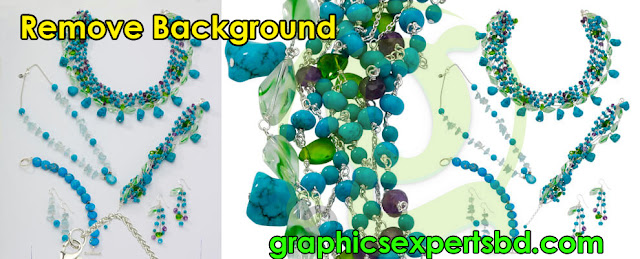
Alpha Channels Masking
 |
| Background Remove |
Photoshop clipping paths are used to separate objects from
their background or layer. One of the
ways of isolating an object from its background is by using Alpha channels.
Like photo masking, the method is pixel rather than vector based, but the
technique used is different. Every colour digital images contains three or four
color channels; either red, green, and blue or cyan, magenta, yellow and black.
 |
| Channels Masking |
When isolating an image using Alpha channels an extra channel is created which
contains the shape of the isolated object rather than a color. Alpha channels
are often used to isolate objects with a lot of detail and are made by using
the color channel with most contrast. Like clipping paths an Alpha channel can
be selected in InDesign, Quark or Photoshop.
 |
| Remove Background Elements |
If you want your images done with this method, you just have
to add the instruction in the description job when you create a job at Graphics Experts for Background Remove and Alpha channels creation, Graphics Experts will isolate your images
using the selections and contrasts in colour channels. You will need to upload
your images in TIF or PSD format.
 | |||
| Photo Editing |
Syed Farhan Tanvir
I am Digital Marketing Expert For Photo editing Services at Graphics Experts Ltd.
Facebook || Twitter || Instagram || Blog || Behance || Flickr || Tumblr || Pinterest


Comments
Post a Comment